Galazxy S6 Logo Screen Comes on and Turns Off Again
It's another year and as always we have a new set of Samsung Galaxy phones and as such a frequent problem that we tend to have is situations where users tend to get a Black Screen or display,their device Vibrates, Restarts ,their phone is not turning on or it becomes stuck in a boot loop. This has happened to past devices as you can see in our previous popular articles that shows how to fix the issue here, but due to radical redesigns of the Samsung Galaxy S6 and S6 edge with its non-removable battery and the way that fix works will not work for the newer Galaxy S6 and possibly other unreleased devices in the new Galaxy line of smartphones so here is an updated version of that fix to have your brand new device working again.
The Issues
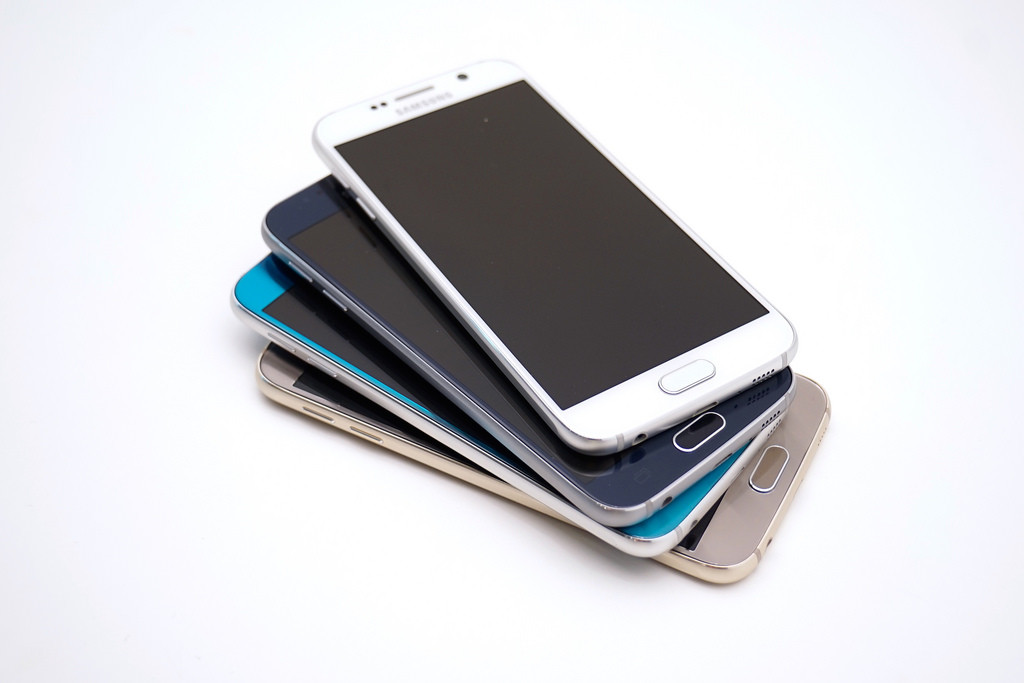
As mentioned earlier if you own a Galaxy S6, S6 edge, Galaxy S7 or any similar device like it that has the built in or none removable battery and the phone shows a Black screen with nothing on the display and sometimes accompanied by sound, flashing notification LED or the capacitive buttons may light up and nothing else, it also may vibrate constantly, be stuck in a contentious boot loop without turning on completely, randomly restarting or plainly not turning on you most definitely are suffering from this common issue that affect Samsung Galaxy devices every generation.
How to fix these Issues mentioned above?
Fixing all the issues that we stated above will require that you follow the steps below and remember they are not guaranteed to work in every situation but its your best shot at getting your device functional again. Also don't be afraid to try them more than once as they don't always work the first time:
1. The first thing you will need to do is get a reliable USB cable and connect your Samsung Galaxy S6 to your Laptop or desktop and power down your phone. Now press and hold the power button + the Volume down at the same time and hold for about 20 seconds, you should hear your phone vibrate or turn on. This should do it for some users, if you are still in the same situation move on to the next step in the process.
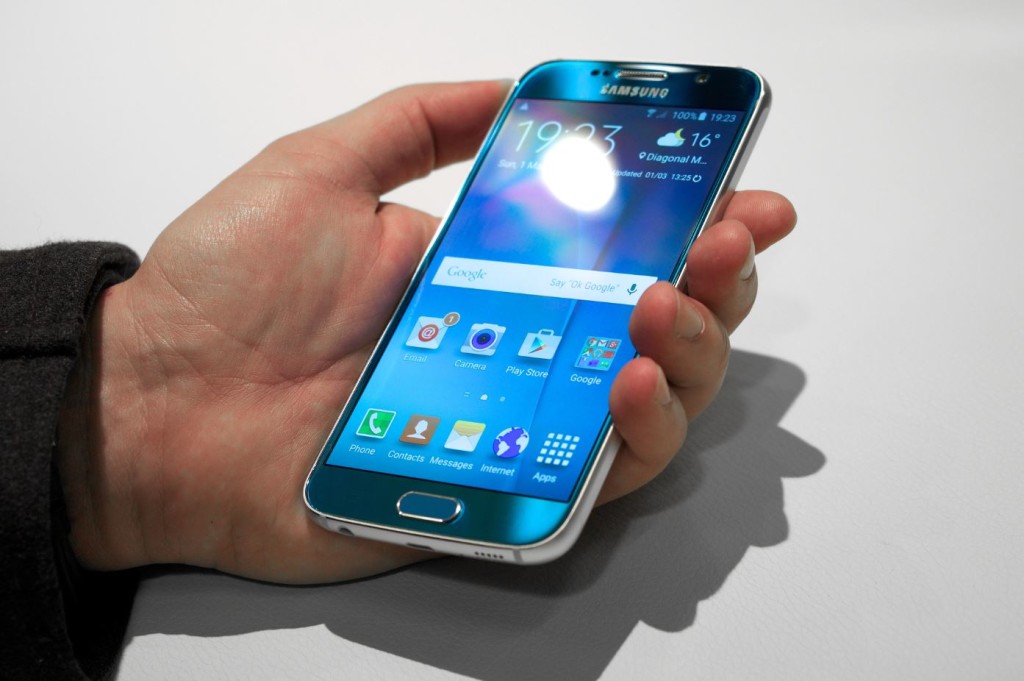
2. We are going to do the same as above in step 1 while the phone is off but this time while holding the power button + volume up and as always you should feel a vibration or the power on sound. If this did not fix it do try step 3 below.
3. While the phone is off hold the volume up key + the Power button and the Home button all at the same time while the phone is disconnected from the computer.Keep holding it until you see a Green Android on Screen, we should now be in recovery mode with a number of options, use the Volume up and down key to navigate and all you need to do is to select Reboot now which should be the first option and tap power to reboot. This one can normally bring your S6 back up and working but if this fails to go on to the next step.
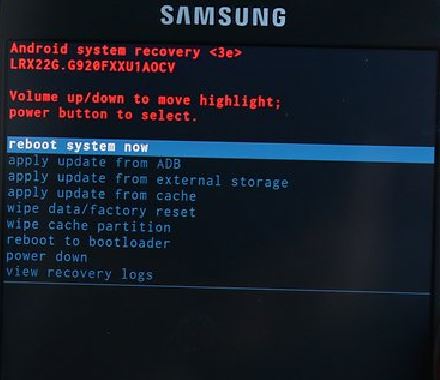
4. Again you are going to repeat the procedure in step 3 above to get back to recovery mode and this time while you are in Recovery mode navigate to : Wipe cache Partition, use the volume up and down buttons to navigate as usual and then use the power button to select. The option should be the 6th option from the top, also don't worry this option will not affect the data on your phone in any way when wiped, be sure to confirm the action and then reboot when finished. As usual if that fails then try option 5.
5. This time while the Galaxy S6 is off Hold the Volume down + Power and home at the same time and you will be in a new mode with Warning on-screen, from the option given click on volume down which will cancel and restart your phone.
6. If all else fails you may have a power button issue and it's basically stuck, in such a case what you will need to do is to give it a firm smack around the power button while the phone is off. Be careful not to damage your phone as only moderate force is needed and what you can use is to smack it in your palm around the power button area or get a soft covered book that can absorb impact and smack it a bit. Also use your fingers to nudge the power button a bit repeatedly and try powering on the phone.
Related Articles:
- How to Reflow a Samsung Galaxy Circuit Board to Fix the Black Screen Issue.
- Samsung Galaxy phone display Unresponsive or Black screen Fix
- How to open a Galaxy S6.
Other Things That you can Try if All else Fails:
I know it can be frustrating fixing these issues but a little bit of patience can go a long way and trust me one of these methods usually does work, the trick is to find the one that works for you so here are some other great options:
1. Drain the battery of your phone to 0% percent it will take some effort, when it drains completely be sure to still press the power button and hold to drain any possible residual energy that lingers in the device. Next charge your phone from a completely dead state and attempt to power on again. What this does is like in the past with this issue is to drain all power from the device which is easier than disassembling the device to disconnect the battery. I really don't know why Samsung switched from a removable battery.
2. Use step 3 above to enter recovery mode but this time you will need to wipe and factory reset your Samsung Galaxy S6, this method is a last resort and be warned that you will lose your data if it's not backed up but it may be your only option in the end so use this option carefully or think it through first.
So that about every possible solution that you can try, I am sure that one will work in fixing the Galaxy S6 Black Screen,Vibrating, Restarting, Not turning on or boot loop issue that you are having. Do feel free to ask any questions in the comments section and as always be sure to try each method more than once before giving up, I am here to help in any way I can.
Source: https://www.blogtechtips.com/2015/06/30/galaxy-s6-black-screenvibrating-restarting-not-turning-on-or-boot-loop-issue-fix/
0 Response to "Galazxy S6 Logo Screen Comes on and Turns Off Again"
Post a Comment